
Intelligence setting: Allow generate fee on grouped quantity differences
When less crypto arrives than was sent in a grouped transfer or bridge, this setting records the missing amount as a fee, so the sent and received amounts match.
Where to find it
Go to Settings → Tax, expand Advanced, then find Intelligence → Allow generate fee on grouped quantity differences. The setting is on by default.
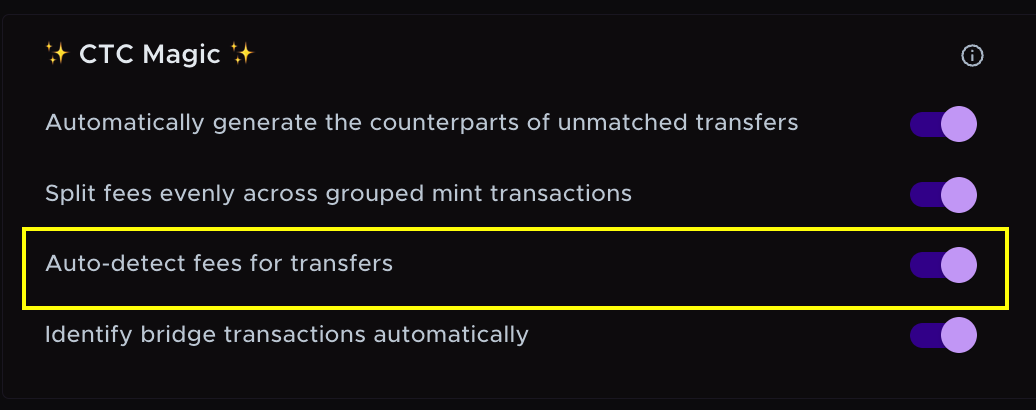
Setting on: fees are generated
If a grouped transfer or bridge sends more than it receives, Summ creates a fee for the difference and reduces the sent amount to match what arrived.
Example: you send 1.1 BTC and 1 BTC arrives. Summ creates a 0.1 BTC fee and changes the Send to 1 BTC.
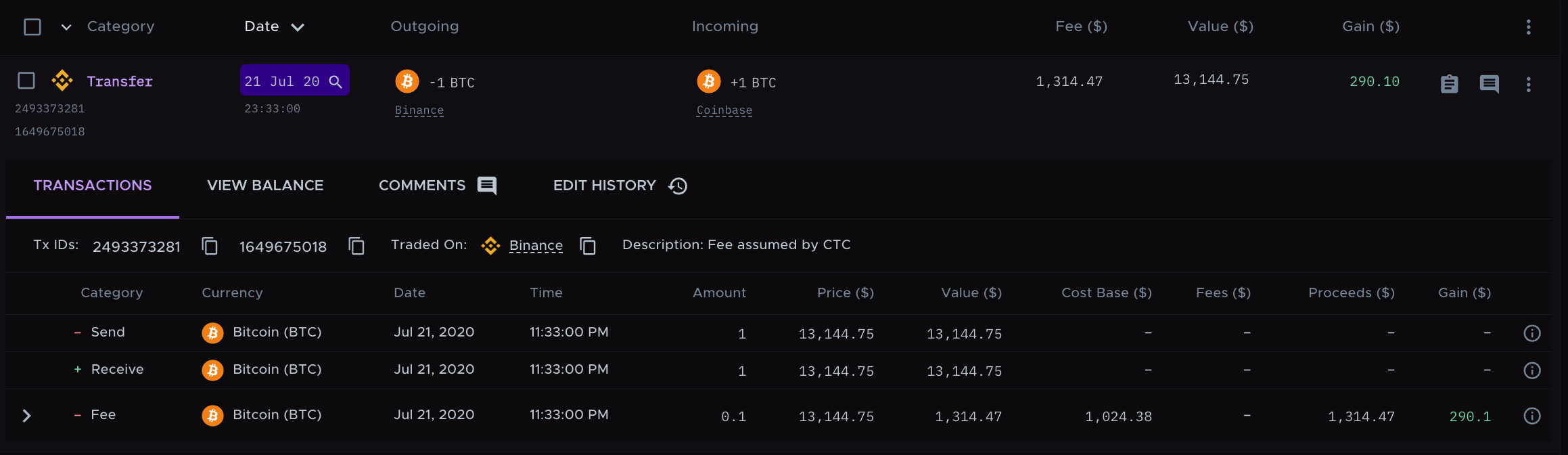
You can see these changes in the transaction's Edit History.
Setting off: no fees are generated
With the setting off, Summ leaves the amounts as imported, even when the sent and received amounts differ.
Turning the setting off removes the fees it created and restores the original amounts. In the example above, the Send goes back to 1.1 BTC and the 0.1 BTC fee is deleted.
Manual edits
If you edit a transaction's fee yourself, turning this setting on or off does not change your edit.
Still need help? Email [email protected].