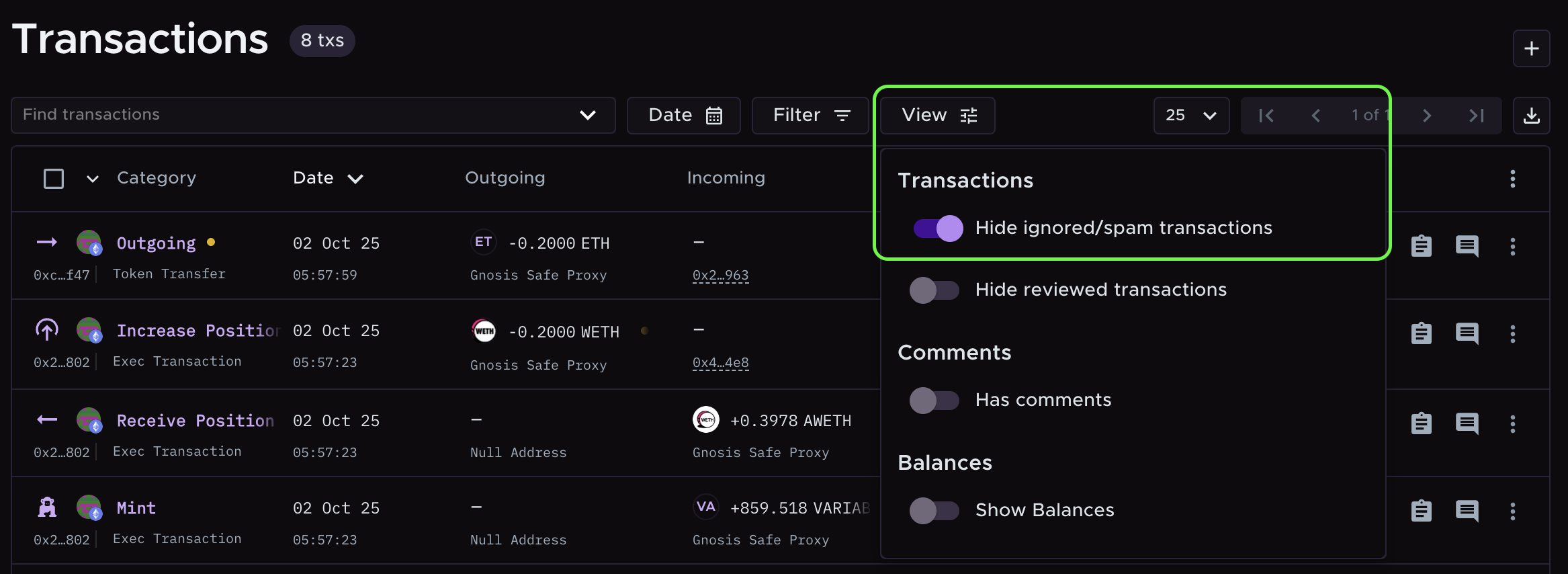
View Toggle - Hide ignored/spam transactions
Last updated: October 15, 2026
Use this toggle for a cleaner view on your Transactions page by hiding ignored, spam, and dust transactions. Access this feature from the Transactions page -> View.
What categories get hidden
When enabled, these transaction categories are hidden from the Transactions page:
Ignore In
Ignore Out
Spam
Dust In
Dust Out
📔 Note: Dust In and Dust Out still appear in your tax report and count toward your billed transaction total. Learn more here.