
Adding Multiple Wallets on the Same Blockchain
You can add more than one wallet address for the same blockchain. Each address syncs separately, and you can give each one a nickname.
Add another wallet on the same blockchain
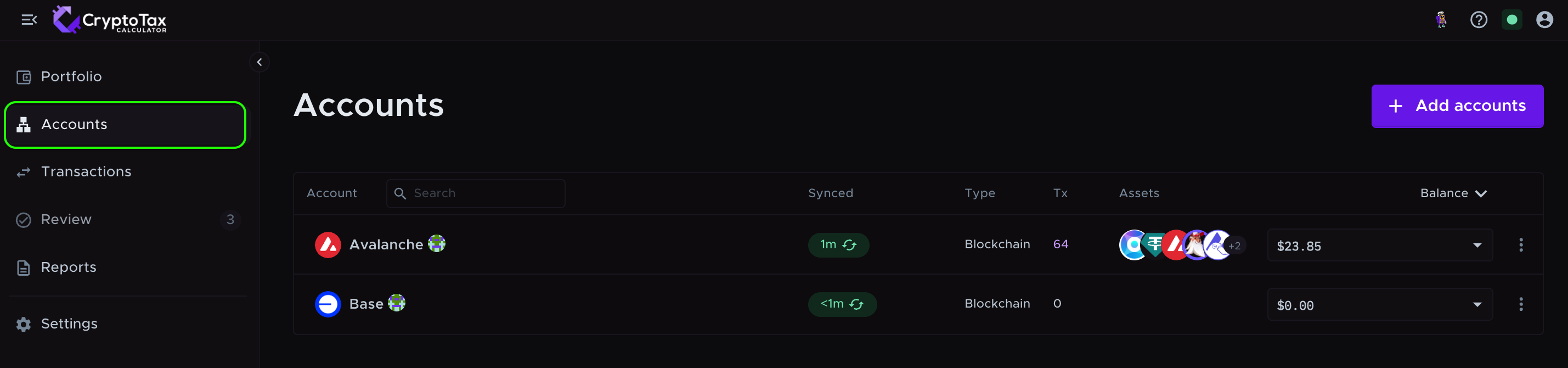
Go to the Accounts page.
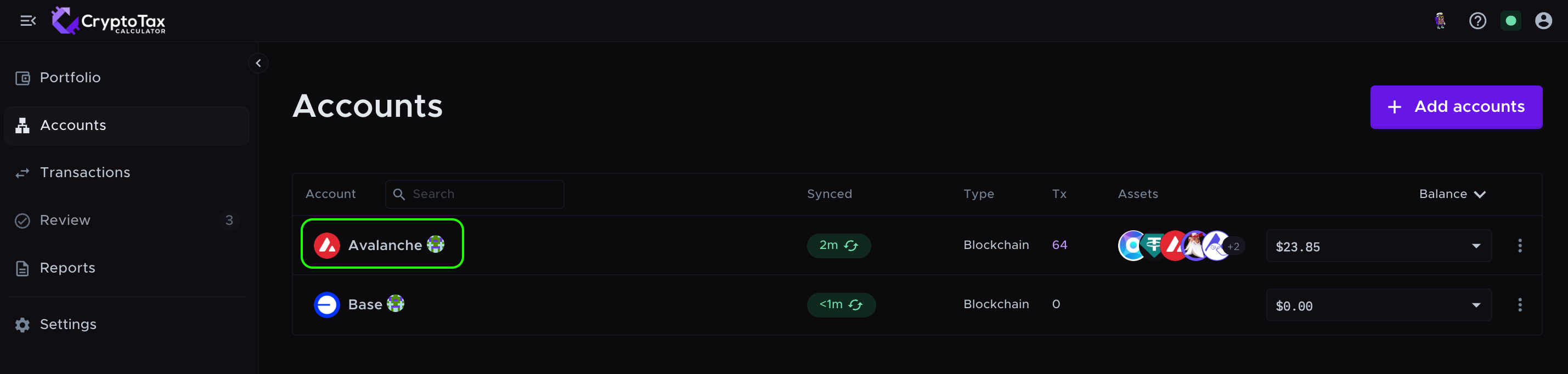
Find the blockchain you already added and click it. This example uses Avalanche.
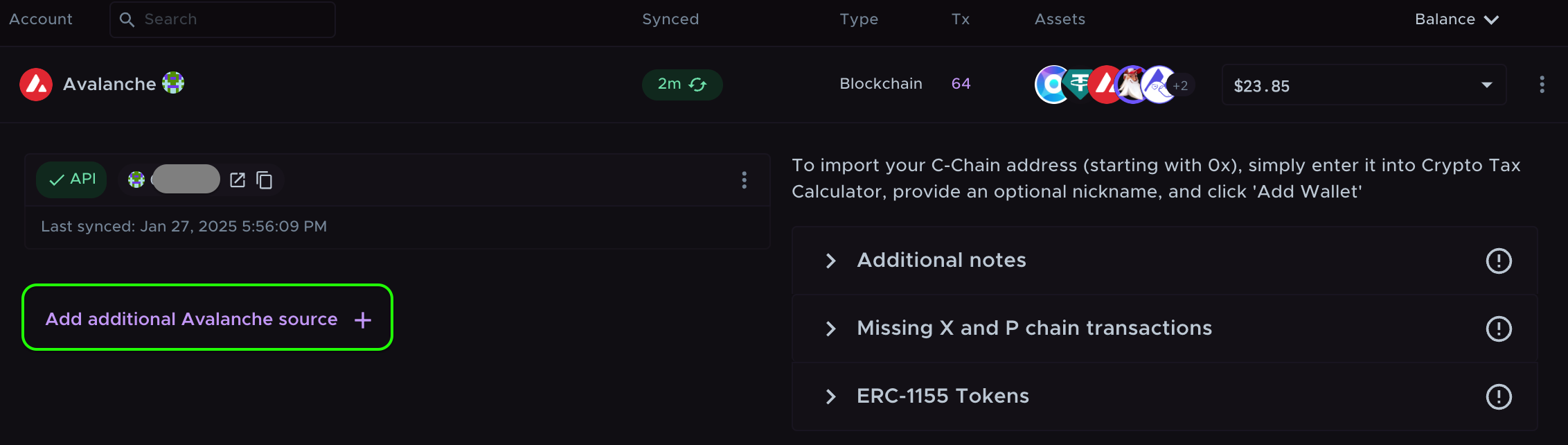
In the panel that opens, click Add Wallet Address.
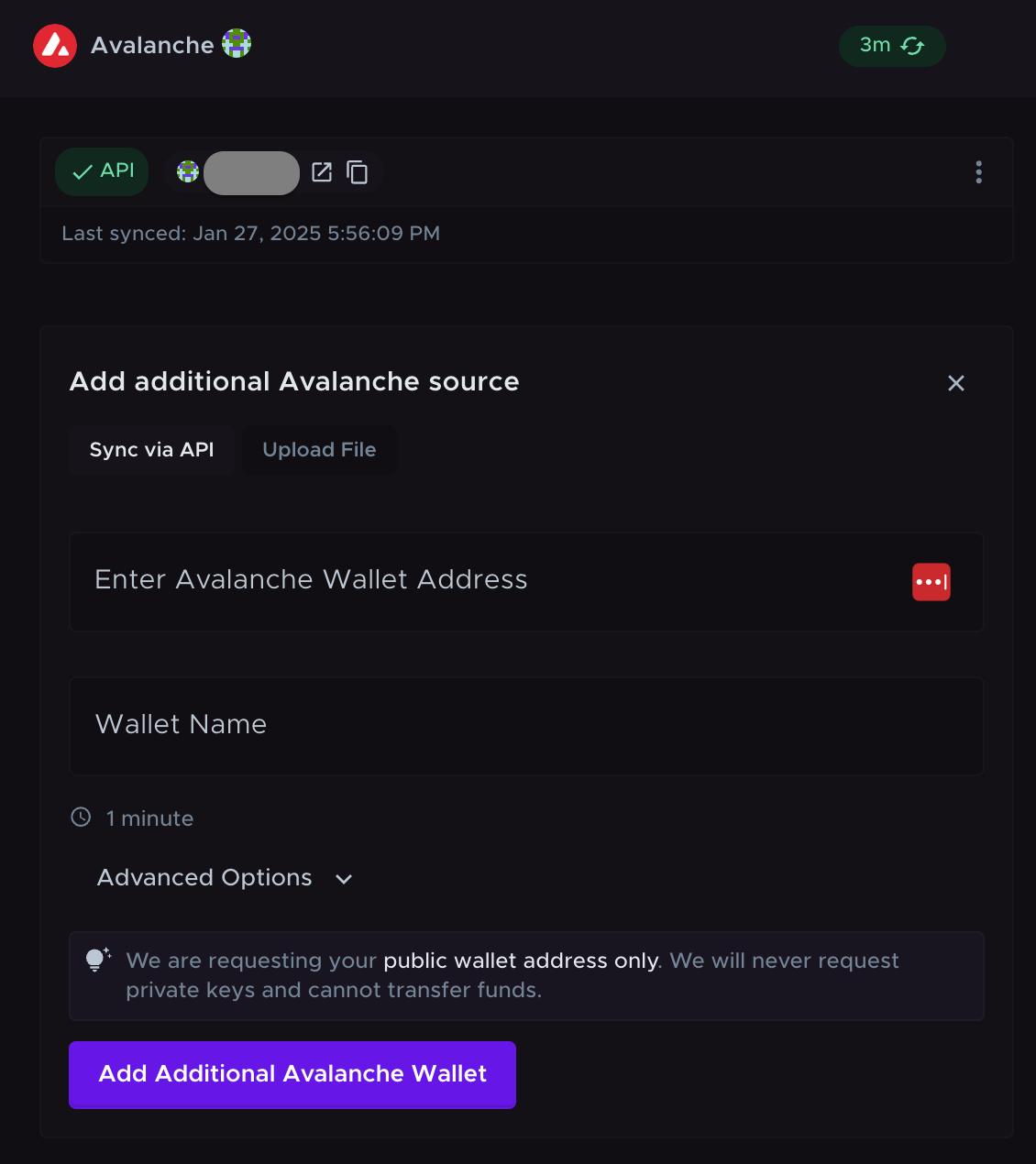
Enter the new wallet address. Add a nickname if you want to tell your wallets apart (optional).
Click Add Additional [blockchain] Wallet (for example, Add Additional Avalanche Wallet). Summ syncs the new wallet.
Still need help? Email [email protected].