View Toggle - Hide ignored/spam transactions
Last updated: November 2, 2026
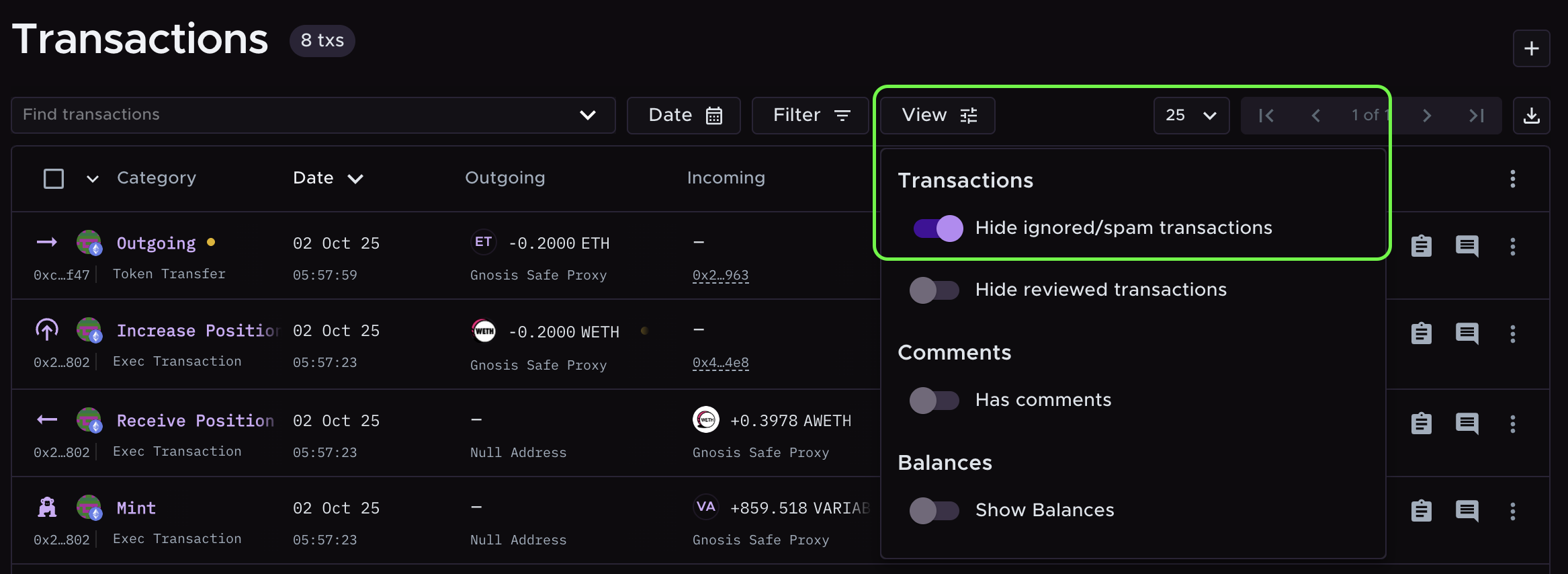
Use the Hide ignored/spam transactions toggle for a cleaner Transactions page. It hides ignored, spam, and dust transactions from the list. To find it, go to the Transactions page and open View.
What categories get hidden
When the toggle is on, transactions in these categories are hidden from the Transactions page:
Ignore In
Ignore Out
Spam
Dust In
Dust Out
Note: The toggle only changes what you see. Dust In and Dust Out transactions are still included in your tax calculations. Transactions in these categories don't count toward your billed transaction total. Learn more in Dust In and Dust Out Category.
Still need help? Email [email protected].