
Exchange File Upload Failed
If your CSV or XLSX upload fails, check that you're uploading the right file. Many exchanges offer several reports in different formats, and Summ only supports specific ones. If you upload a file Summ doesn't support, the upload fails.
What to check
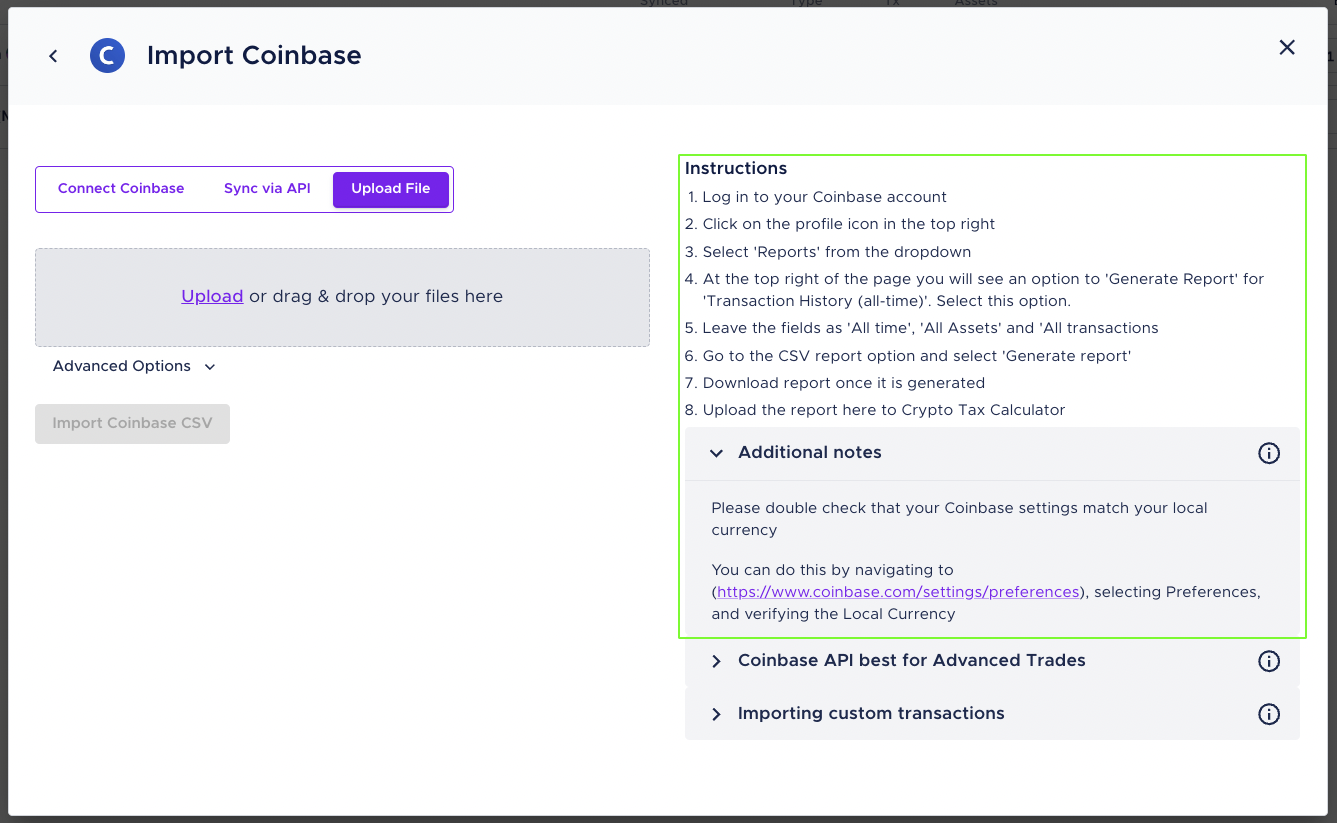
Go to the Accounts page, open your exchange, and follow its file upload instructions exactly. They name the file you need.
Don't open and re-save the file in a spreadsheet app before uploading. This can change the format and cause the upload to fail. If you already did, download a fresh copy from the exchange.
If it still fails
The exchange may have changed its file format. You can:
Reformat your data into the Custom CSV template and upload that instead.
Report the format change to support. Include the exchange name and a sample of the file.
Still need help? Email [email protected].