
Sharing Data Between Accountants and Clients
Once a client accepts an accountant's invitation, there are two sets of data:
The data set that the accountant imported
The data set that the client imported
Only the client can choose which data set is shared. The client goes to Settings > Permissions, clicks the invitation under Received invitations, picks Accountant data or My imported data under Working Data, and clicks Save. The accountant can see which data set is in use in the client's settings, but can't change it.
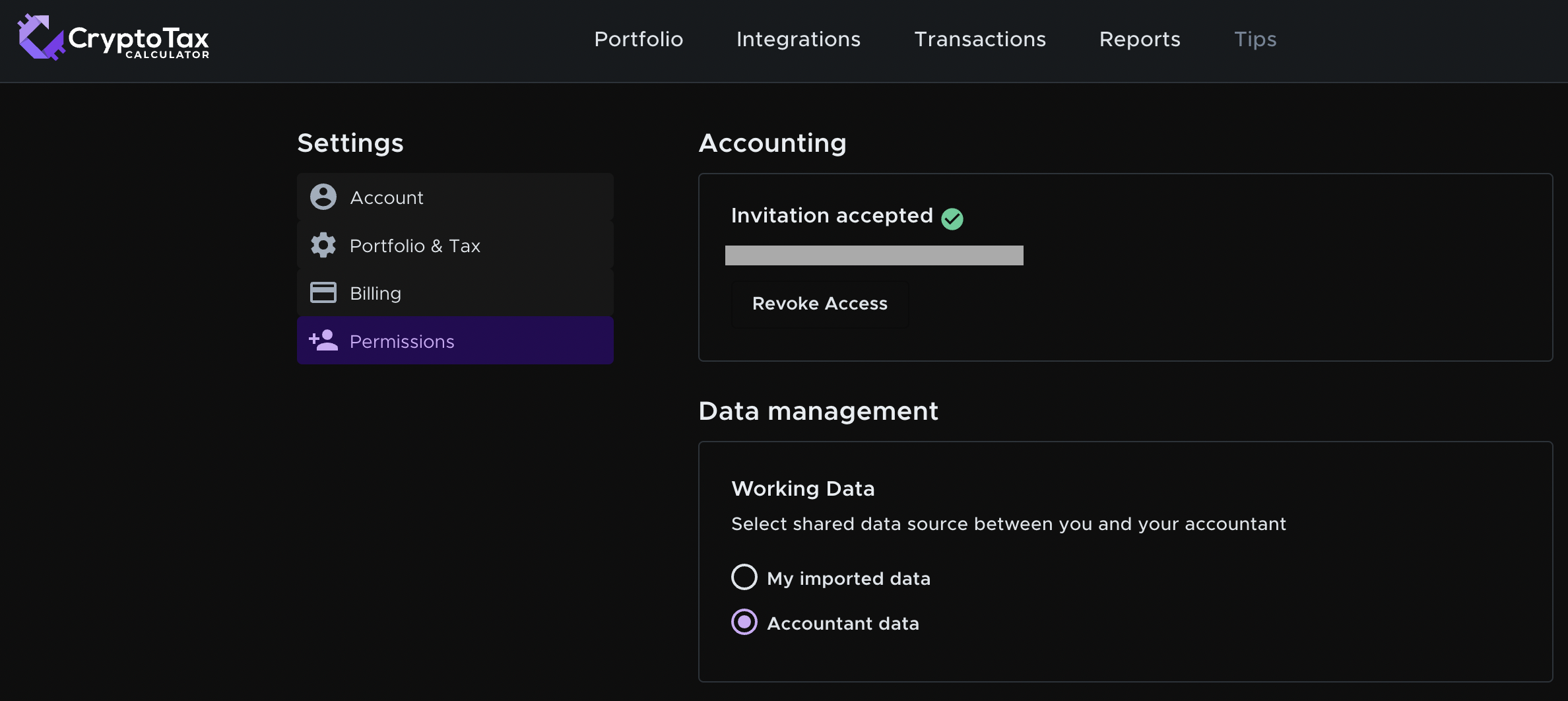
The choice changes which data both parties work on. It does not delete the data set that isn't selected. For example, if a client has already worked on their transactions before their accountant invites them, the client would select My imported data rather than Accountant data.
The choice also decides who owns the data. If you collaborate on the accountant's data, the accountant owns it. If you collaborate on the client's data, the client owns it.
Continuing the example above, the client has been invited by their accountant.
Client selects 'My imported data'
Here's what happens if the client selects My imported data.
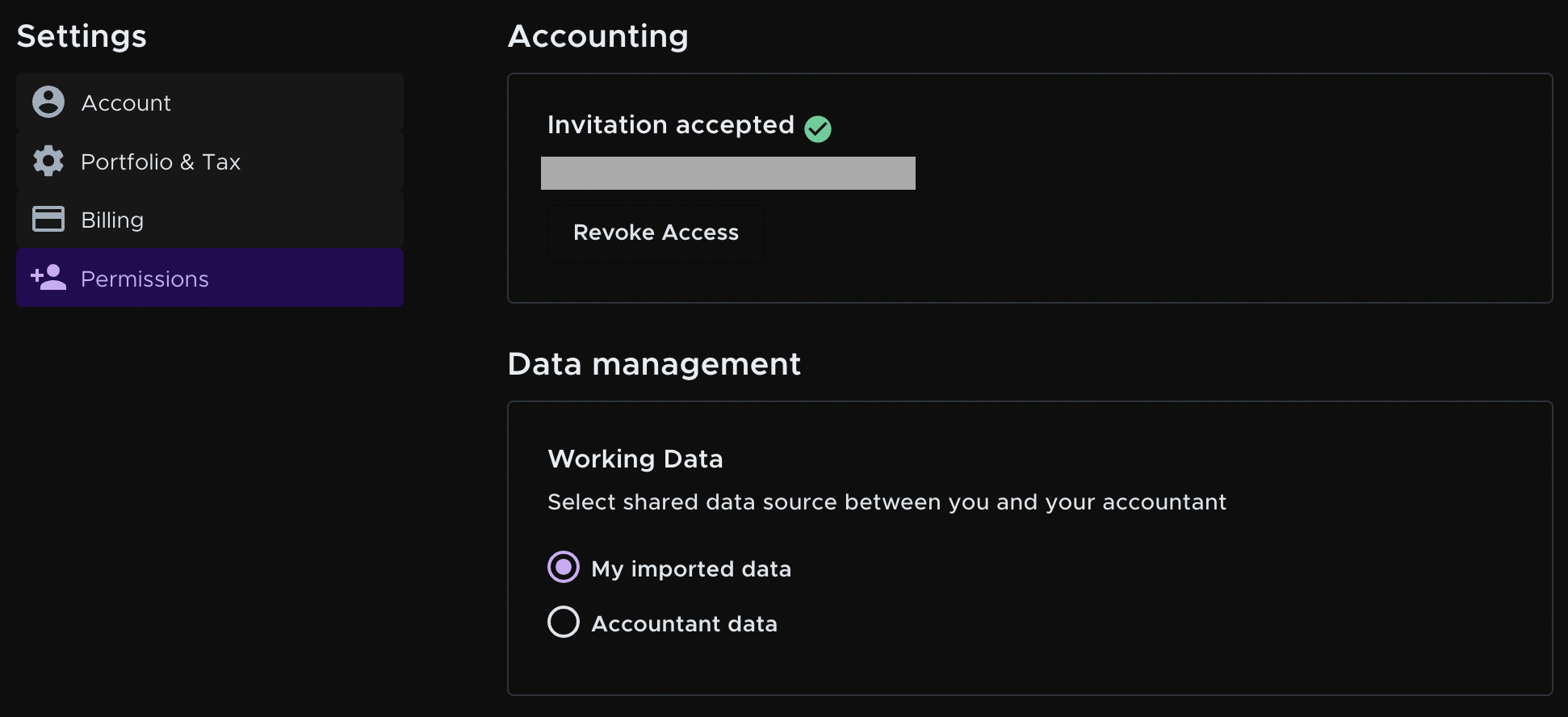
If the client revokes their accountant's access, the accountant loses access to the client's data, and the client keeps seeing it as before. The same happens if the accountant deletes the client from their client list.
Working Data is set as client imported data
Accountant | Client | |
The accountant deletes the client's profile | Loses the working data. If the client comes back, you can create a new profile and invite the client again. | Still has the working data. The client can accept the accountant's invitation again. |
The client revokes the accountant's access | Loses the working data. The accountant can reinvite the client. | Still has the working data. The client can accept the accountant's invitation again. |
Client selects 'Accountant data'
Here's what happens if the client selects Accountant data.

In this example, the client works on Accountant data instead of their own data. If the client revokes the accountant's access, the client loses access to Accountant data because the accountant owns it. The accountant can still see it. If the accountant deletes the client, the data is permanently deleted for both parties. In both cases, the client goes back to seeing My imported data, which is not deleted.
Working Data is set as accountant data
Accountants | Clients | |
The accountant deletes the client's profile | Permanently loses the working data. This can't be undone. | Permanently loses the working data. If the client had their own data set, they still have that original data. |
The client revokes the accountant's access | Still has the working data. The accountant can reinvite the client. | Loses the working data. If the client had their own data set, they still have that original data. |
See Managing Subscriptions Between Accountants and Clients for how subscriptions work between accountants and clients.
Still need help? Email [email protected].