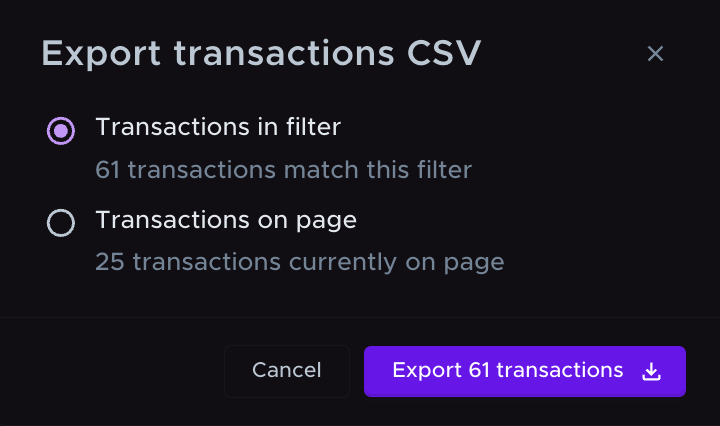
Download all the transactions that match the filters you have applied (such as date range, transaction category, import source, etc.) across all your data.
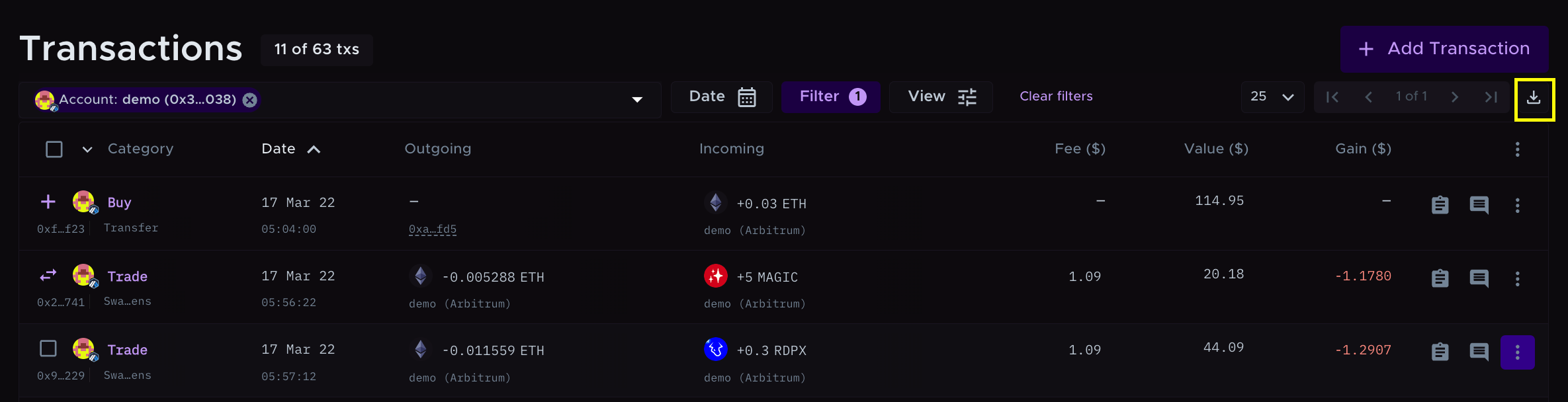
Apply the filters you want and click the download button at the top right corner of the transactions table.
Select 'Transactions in filter'

Click the 'Export transactions' button. Your file will be downloaded as 'Summ (formerly Crypto Tax Calculator) Filtered Transactions Report'.